
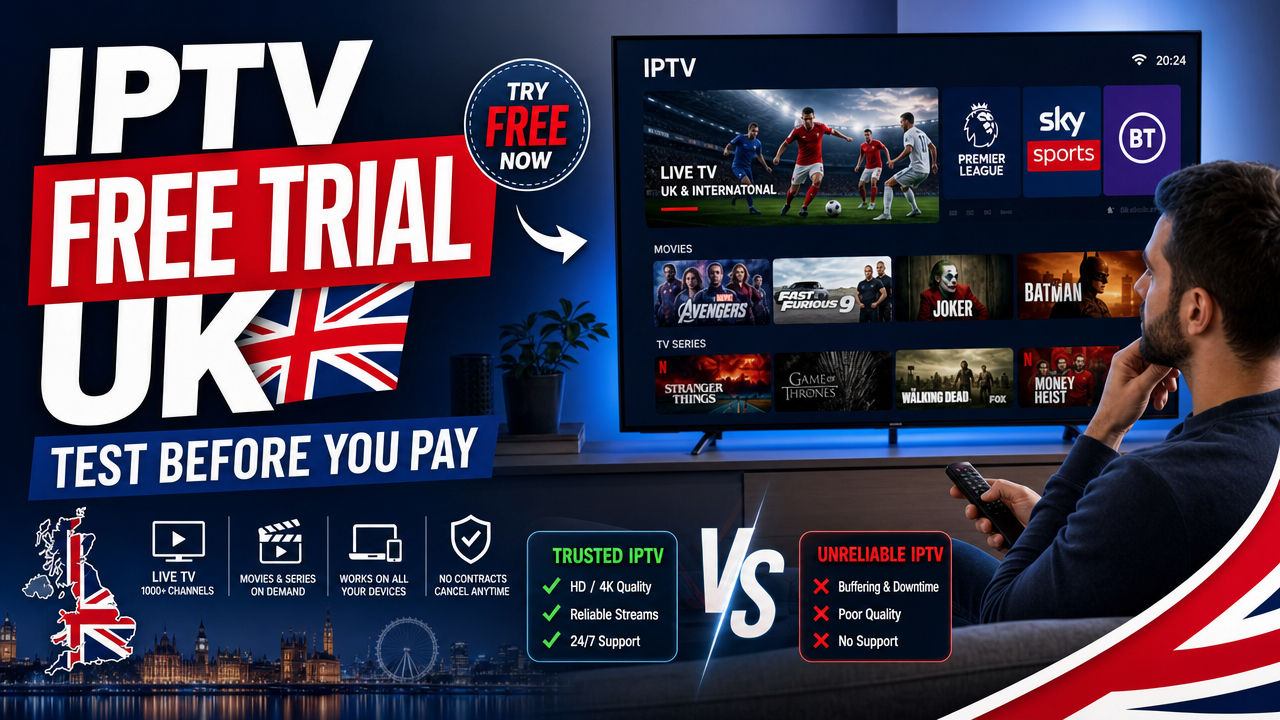
An IPTV free trial UK gives you a safe way to test live TV, films and sport over your broadband before you commit to a paid iptv subscription. Whether you stream on a Firestick in Manchester, a Samsung Smart TV in London or an Android TV box in Glasgow, a short test reveals whether the service actually performs on your device, your Wi-Fi and your provider — BT, Virgin Media, Sky Broadband, TalkTalk or EE. This guide explains what to check during a 24-hour test, including channels, picture quality, EPG, VOD, sport and buffering, so you can make an informed decision.
Why an IPTV Free Trial UK Matters Before You Pay
IPTV — Internet Protocol Television, or TV delivered over an internet connection — depends on many variables. Your broadband speed, router placement, device type and app choice all affect playback. A free trial lets you check these in your own home rather than relying on screenshots or marketing claims.
An iptv subscription should feel reliable from day one. If picture quality drops on a Firestick or the EPG (electronic programme guide) fails to load on your Smart TV, you will want to know before you pay. That is exactly what a 24-hour test is for.
UK buyers also face a competitive market with many providers making bold promises. Testing the service yourself is the only honest way to compare. You can start a free 24-hour IPTV test with Britivo and judge the experience on your own kit.
What a 24-Hour Test Should Reveal
- Stable playback across live channels at peak times
- Clear picture quality in HD or 4K (Ultra High Definition) where available
- An accurate EPG with current programme listings
- Working VOD (Video on Demand) for films and series
- Responsive support and clear setup steps
How to Set Up the Free Trial on Your Device
Most UK viewers test IPTV on a Firestick, Smart TV or Android TV box. Setup uses one of two common formats: M3U (a playlist link or file) or Xtream Codes (a username, password and server login supported by many IPTV apps).
Firestick and Fire TV
Install IPTV Smarters Pro or TiviMate from the Amazon Appstore, then enter your trial login. Use 5GHz Wi-Fi or Ethernet via an adapter for the best results. Firestick is the most popular device for IPTV in the UK because it is cheap, portable and works on most TVs.
Samsung and LG Smart TVs
Samsung Smart TV and LG Smart TV users typically install Smart IPTV or Net IPTV from the built-in app store. Enter the M3U link or Xtream Codes provided with your trial. If an app is not available in your region, an Android TV box or Firestick is a simple workaround.
Android TV, Google TV and Apple TV
On Android TV and Google TV, IPTV Smarters Pro and TiviMate are reliable choices. Apple TV users can install IPTV Smarters or similar apps from the App Store. VLC is also an option for quick M3U playback, though it lacks a proper EPG.
If you need help getting started on any device, the IPTV FAQ covers the most common setup questions, and WhatsApp support is available for direct guidance.
What to Check During Your IPTV Free Trial UK
A short test is only useful if you check the right things. Here is a practical checklist to use during your 24 hours.
1. Channel Availability
Open the channel list and browse the categories you actually watch — entertainment, news, sport, kids or international. Make sure the channels you care about are present and load quickly. Channel availability can vary based on rights, licensing and current provider terms, so always check the channel list before subscribing.
2. Picture Quality
Test a mix of HD and 4K streams if available. Watch for sharpness, colour accuracy and audio sync. If a stream is labelled 4K, it should look noticeably crisper than HD on a compatible TV. Quality may depend on your broadband speed and the source.
3. EPG (Electronic Programme Guide)
A proper EPG shows what is on now and next, plus the upcoming schedule. Scroll through several channels and confirm the listings match what is actually playing. A missing or outdated EPG is a red flag.
4. VOD (Video on Demand)
Check the films and series library. Look at how titles are organised, whether new releases are present and how quickly VOD content starts. Pause, rewind and resume to make sure playback controls work smoothly.
5. Live Sport Performance
If sport matters to you, test during a live event. Watch for buffering, freezing or sudden drops in quality. Sports coverage depends on rights and licensing, so confirm what is actually available rather than relying on broad claims. Channel availability, sport coverage, catch-up and VOD content can vary by subscription, app, rights and licensing.
6. Buffering and Stability
Buffering is the most common IPTV complaint in the UK. During the trial, watch a few channels for at least 10–15 minutes each. If you see frequent pauses, try a wired Ethernet connection or move closer to your router before blaming the service.
7. App Performance
How quickly does the app open? Does it remember your favourites? Can you switch channels without long delays? A polished app makes a real difference day to day.
8. Customer Support
Send a question via WhatsApp support and see how long it takes to get a useful reply. UK-based help during setup is one of the best signs of a trustworthy provider. You can contact Britivo support directly during your trial.
Broadband and Wi-Fi: The Hidden Factor
Most buffering problems are caused by the home network, not the IPTV service. Before judging a free trial, make sure your broadband is up to the job.
- HD streaming: Generally needs a stable connection of around 10 Mbps or higher
- 4K streaming: Typically needs 25 Mbps or more
- Multiple devices: Add headroom for everyone in the house
If you are on BT, Virgin Media, Sky Broadband, TalkTalk, EE, Vodafone or Plusnet, run a speed test on the device you plan to use. Wired Ethernet beats Wi-Fi every time. If you must use Wi-Fi, choose 5GHz and place the router in the same room as the TV where possible.
Quick Buffering Fixes
- Switch from Wi-Fi to Ethernet where possible
- Restart your router and IPTV device
- Close background apps on your Firestick or Smart TV
- Lower stream quality from 4K to HD if your connection is borderline
- Test at different times of day to rule out peak congestion
Is IPTV Legal in the UK?
IPTV is a delivery technology and is not automatically illegal. What matters is whether the content is supplied with the correct rights, permissions and licensing. The UK Government warns that illicit streaming devices are illegal, and advises viewers who want premium content such as sport to use legitimate providers.
Before choosing any IPTV service, check the channel list, terms of service, refund policy and content availability information. You can read official UK guidance on the GOV.UK illicit streaming devices page for context.
Use IPTV services and content only in line with UK law, copyright rules, broadcasting rights and the provider’s terms.
IPTV Free Trial vs Paid Subscription: What Changes?
A 24-hour test is designed to give you a real preview. The technology, apps and content library you experience during the trial should match the paid plan. The main differences are length of access and the ability to set up multiple devices or add family members.
If the trial works well, choosing a longer plan is straightforward. Britivo offers monthly, quarterly, annual and family options, and you can compare Britivo plans or view subscription options when you are ready.
Plan Considerations
- Monthly: Useful if you want flexibility with no long contract
- Quarterly: A balance between price and commitment
- Annual: Best value per month for regular viewers
- Family: Supports more devices in the same household
Which App Should You Use During the Trial?
Different apps suit different devices. Here is a quick overview of the most popular choices in the UK.
IPTV Smarters Pro
Works on Firestick, Android TV, Smart TV (some models), iOS and Android. Supports both M3U and Xtream Codes. Easy interface, good for beginners.
TiviMate
Highly rated on Firestick and Android TV. Polished EPG, smooth navigation and excellent playlist management. Premium features require a separate licence.
Smart IPTV and Net IPTV
Designed for Samsung and LG Smart TVs. Useful if you prefer not to add a Firestick or Android box. Setup is done by uploading an M3U link via a portal.
VLC
A free media player available on most platforms. Good for quickly testing an M3U link, but lacks a proper EPG and is not ideal for daily viewing.
Common Mistakes to Avoid During a Free Trial
- Testing only on Wi-Fi at the edge of your home
- Judging the service after just five minutes of viewing
- Not opening the EPG or VOD library
- Skipping a sport test if you plan to watch live events
- Ignoring support response times
- Forgetting to check device compatibility for the rest of the household
For a more in-depth walkthrough, the IPTV subscription guide for the UK covers setup, devices and what to look for in more detail.
Britivo Free Trial: What to Expect
Britivo offers a 24-hour test for UK viewers who want to try before they pay. Setup is supported via WhatsApp, and you can use the trial on your preferred device — Firestick, Smart TV, Android TV, Apple TV or a phone or tablet.
Britivo is a UK-focused IPTV provider with flexible plans, device compatibility, setup help and a broad selection of live TV and on-demand content. You can learn more about Britivo or read the blog for setup tips and updates.
Frequently Asked Questions
Is the IPTV free trial UK really free?
Yes. Britivo offers a 24-hour test so you can check playback, channels, EPG, VOD and support on your own device before paying. There is no long contract, and you only subscribe if the trial works well for you.
What internet speed do I need to test IPTV properly?
For HD streams, a stable connection of around 10 Mbps is usually enough. For 4K, aim for 25 Mbps or higher. Use Ethernet or 5GHz Wi-Fi for the most accurate test, especially on Firestick or Smart TV.
Can I use the free trial on a Firestick or Smart TV?
Yes. The trial works with IPTV Smarters Pro, TiviMate, Smart IPTV, Net IPTV, VLC and other common apps. You can use it on Firestick, Samsung, LG, Android TV, Apple TV and more. If you need help, WhatsApp support can guide you through setup.
Is IPTV legal in the UK?
IPTV is a technology and is not automatically illegal. The key issue is whether the content is supplied with the correct rights, licensing and permissions. Always check the provider’s terms, channel list and content availability information before subscribing.
Do I need a VPN to use the trial?
No. You should use IPTV services and content only in line with UK law, copyright rules and the provider’s terms. A VPN is not required to test the service on your home broadband.
What happens after the 24 hours?
If you are happy, you can choose a monthly, quarterly, annual or family plan. If the service is not for you, simply do not subscribe. Review the subscription plans to see what suits your household.
Conclusion: Test, Compare, Then Decide
A short trial is the most honest way to judge any IPTV service. Use your 24 hours to check channels, picture quality, EPG, VOD, sport and buffering on the device and broadband you actually use at home. If everything works smoothly, a paid iptv subscription is a confident next step. If not, you have lost nothing.
Ready to see how it performs in your living room? Start a free 24-hour IPTV test with Britivo, or visit the Britivo homepage to learn more about plans, devices and UK support.